Results day is one of the most nervous days in a learner's life. The good news is that checking your results is quick, and you do not need internet. This guide explains how to check UNEB results for PLE, UCE and UACE, the mistakes that make the SMS fail, and when results are usually released.
When are UNEB results released?
UNEB does not release results on a fixed date every year. The Minister of Education and Sports releases them at an official ceremony, and the date is announced a few days before.
As a guide, here is when the results of the 2025 examinations came out:
| Examination | 2025 exams | Results released |
|---|---|---|
| PLE (P.7) | October–November 2025 | 30 January 2026 |
| UCE (S.4) | October–November 2025 | 13 February 2026 |
| UACE (S.6) | November–December 2025 | early 2026, after UCE |
If the pattern holds, results of the 2026 examinations should come out in roughly the same months of 2027, but only the official announcement is certain. Follow UNEB and the Ministry of Education and Sports on their official channels, and bookmark this page: we update it when dates are confirmed.
How to check UCE results by SMS
You can use any phone on MTN or Airtel.
- Open your phone's Messages app.
- Type UCE, a space, and your full index number, for example:
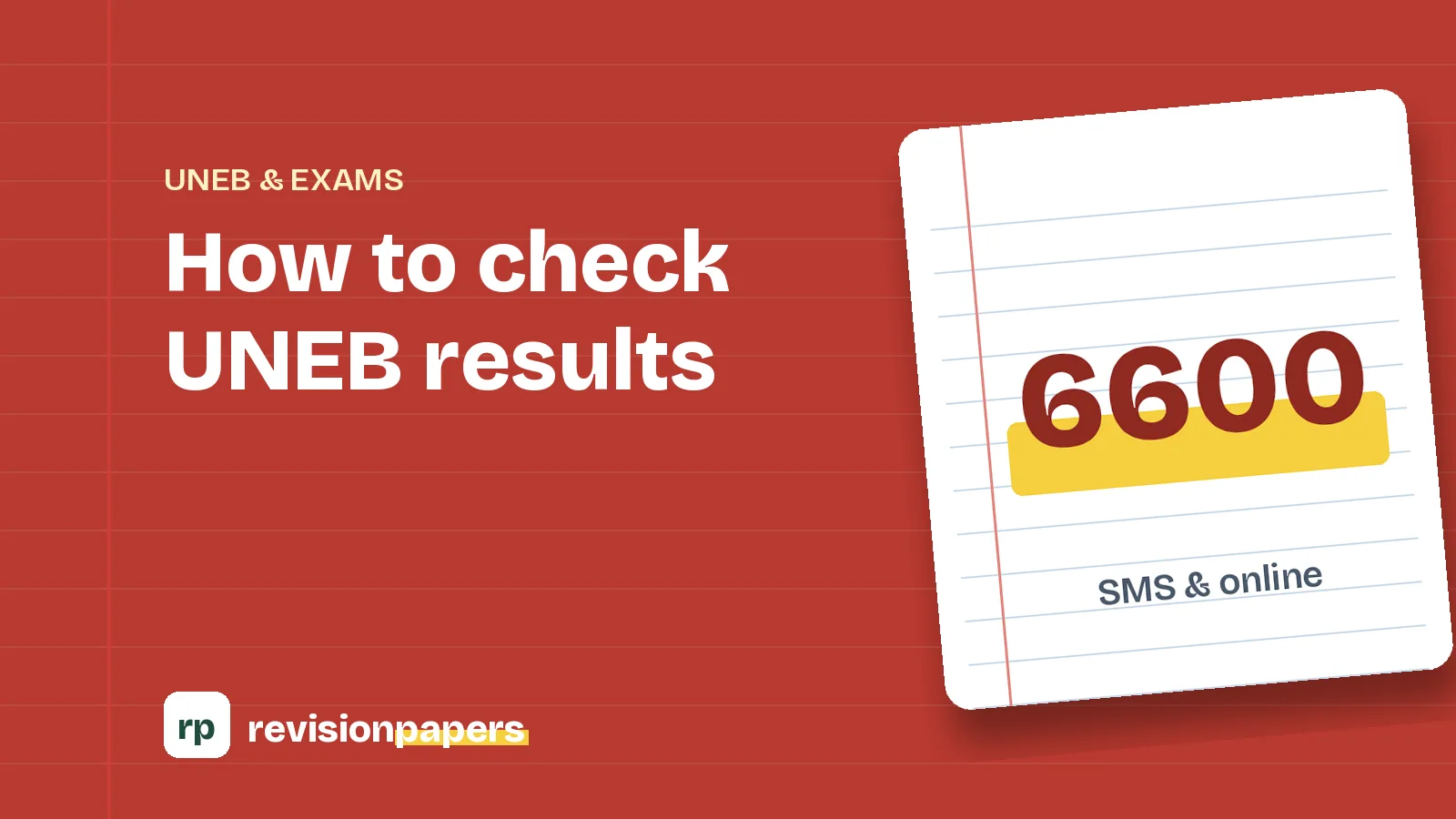
UCE U0001/001 - Send it to 6600.
- Wait for a reply with your grade in each subject and your result.
How to check UACE results by SMS
- Open Messages.
- Type UACE, a space, and your full index number, for example:
UACE U0028/528 - Send it to 6600.
How to check PLE results by SMS
- Open Messages.
- Type PLE, a space, and your full index number, for example:
PLE 003301/368 - Send it to 6600.
Why the SMS sometimes does not work
On results day, millions of people send messages at once. If you do not get a reply, check these things before you panic:
- Spacing: there must be exactly one space between the exam name and the index number, and no spaces inside the index number.
- The slash: use a forward slash
/, not a backslash or a dash. - Airtime: the SMS is charged, so make sure you have enough airtime.
- The exam name: write
UCE,UACEorPLEin capital letters, not "S4" or "O-level". - Wait and retry: the network may be busy. Try again after an hour, or early the next morning.
Other ways to get your results
- Your school. Schools and examination centres download the results of all their candidates from the UNEB portal. Your head teacher or director of studies can give you your results.
- Online through your school's portal access. UNEB gives centres access to their results online. Individual candidates should not pay anyone for "online access" to their results.
Understanding what you get
UCE results under the new curriculum
Since 2024, UCE candidates on the competence-based curriculum receive letter grades A to E in each subject instead of the old 1–9 grades and Divisions. You also get a Result 1, 2 or 3, which tells you whether you qualified for the certificate. Many parents misread Result 1 as "first grade". It is not. Read the new UCE grading system explained.
UACE results
UACE results still show grades per subject (A to F, with O for a subsidiary pass), which are converted into points for university admission. Learn how in the university weighting system explained.
What to do after you get your results
- S.4 leavers: prepare for Senior Five selection or look at courses after Senior Four.
- S.6 leavers: work out your weight, then follow up on government sponsorship, private admission and loans. See what to do after Senior Six.
- If results are lower than you hoped: it is not the end. Many successful people re-sat a paper, took a diploma route, or chose a different course. Talk to a teacher before making any decision.
Frequently asked questions
How much does it cost to check results by SMS?
A standard premium SMS charge applies. The exact amount can change, so check the announcement on results day.
Can I check results without an index number?
No. The SMS service needs your full index number. If you have lost it, ask your school.
Can a parent check for a child?
Yes. Anyone with the index number can send the SMS from any phone.
Official sources: Uganda National Examinations Board (UNEB) and the Ministry of Education and Sports.